
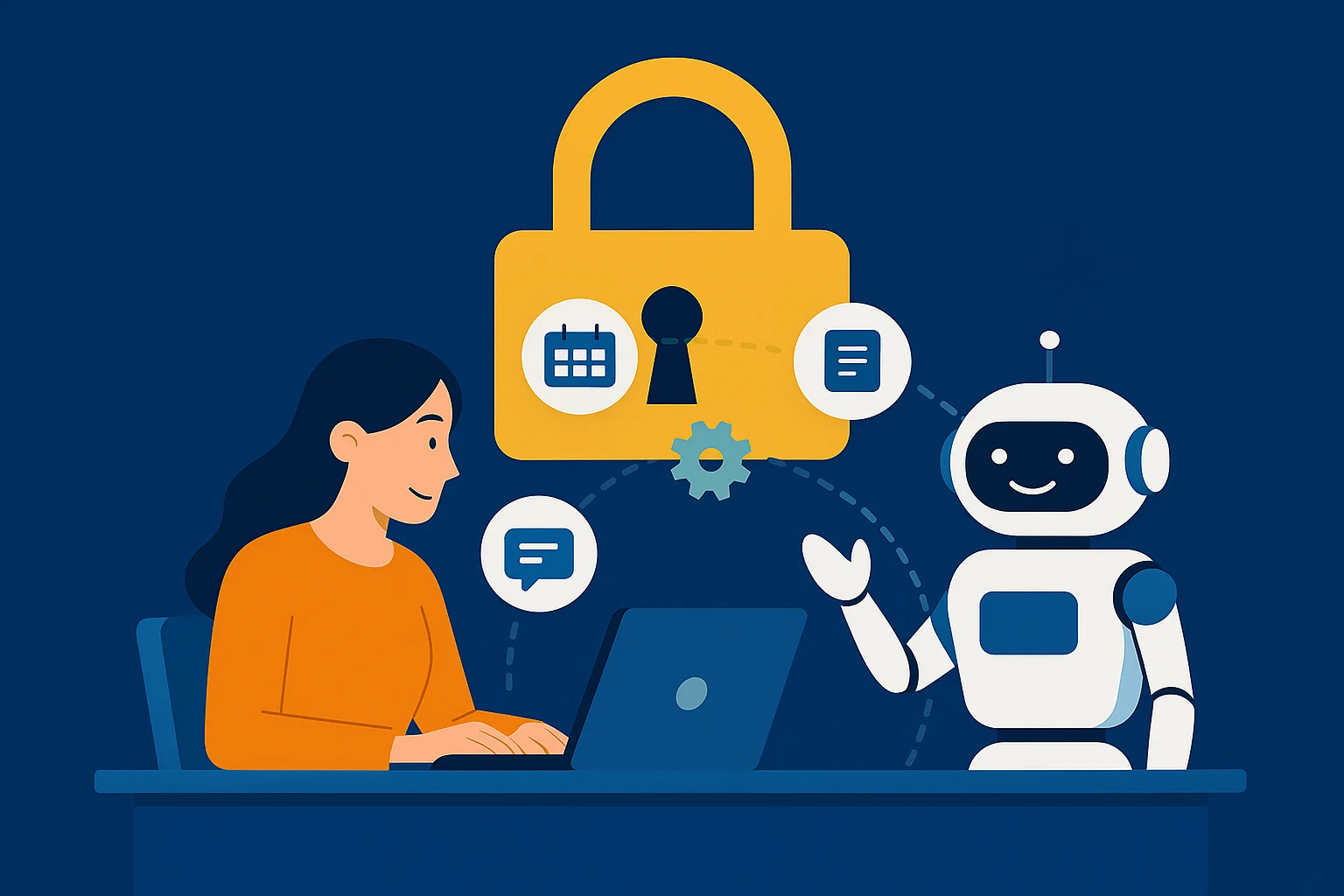
An AI agent is software that uses an AI model to work towards a task, often by choosing from tools it has been given. In a business, those tools might retrieve a customer record, prepare a draft reply or check a calendar.
Its usefulness depends on the task, the information available and the limits placed on its actions. A good starting point is a process your team already understands.
Understand what the system is allowed to do
A fixed automation follows a defined sequence. An agent can make choices about the next step based on the information it receives. Anthropic’s engineering guide describes this distinction and the trade-offs involved. Read its guide to workflows and agents.
For example, a scheduling assistant could use calendar information to propose an available time. Whether it can confirm a booking, contact a client or change an existing appointment depends on the permissions and approval process you set.
An agent does not automatically learn from every interaction or become reliable simply by being connected to more data. Improvements need a deliberate process of reviewing results, updating information and testing changes.
Look for a defined piece of work
Potential uses include preparing an enquiry summary, sorting incoming requests, drafting routine communications or bringing information together for a report. A customer-facing assistant might answer questions from approved business information and pass other requests to a staff member.
Here are some possible workflows a business could test:
- A consultant could use a tool to prepare appointment options and draft follow-up notes for review.
- A retailer could offer answers to published product and delivery questions outside business hours.
- A professional-services firm could collect initial enquiry details and prepare a summary for the person handling the request.
- A marketing team could ask a tool to assemble campaign information before an analyst checks the findings.
Measure the complete cost of the task
Include setup, software fees, usage charges, maintenance and staff review in the comparison. A fast first draft may still need substantial correction. A tool is useful when the complete process is better for the business.
Choose a baseline before the pilot. Record the time involved, the quality expected and the types of mistakes that matter. Compare those with the tested workflow using representative examples.
Build in a route to a person
Decide which actions require approval and what happens when the system cannot complete the task. Give staff enough information to understand the request and the steps already taken.
For customer service, a prompt response is useful only if it is accurate and the person can get further help. Keep approved information current and review the kinds of questions the system struggles with.
Prepare for higher volumes
A workflow that handles a small test successfully still needs checking under more demand. Consider service limits, costs, queues and what the team will do if a connected tool is unavailable.
Access should stay appropriate to the task. Keep a record of actions and assign responsibility for reviewing errors and maintaining the system.
How we approach the work
We start by understanding the process and its purpose. From there, we can plan the integration, develop the tools, test them with the team and agree on training and ongoing support.
See our AI services or describe the work you would like help with.
References and further reading
Research, commentary and industry examples for further reading. Read findings in the context of their dates, methods and settings.